

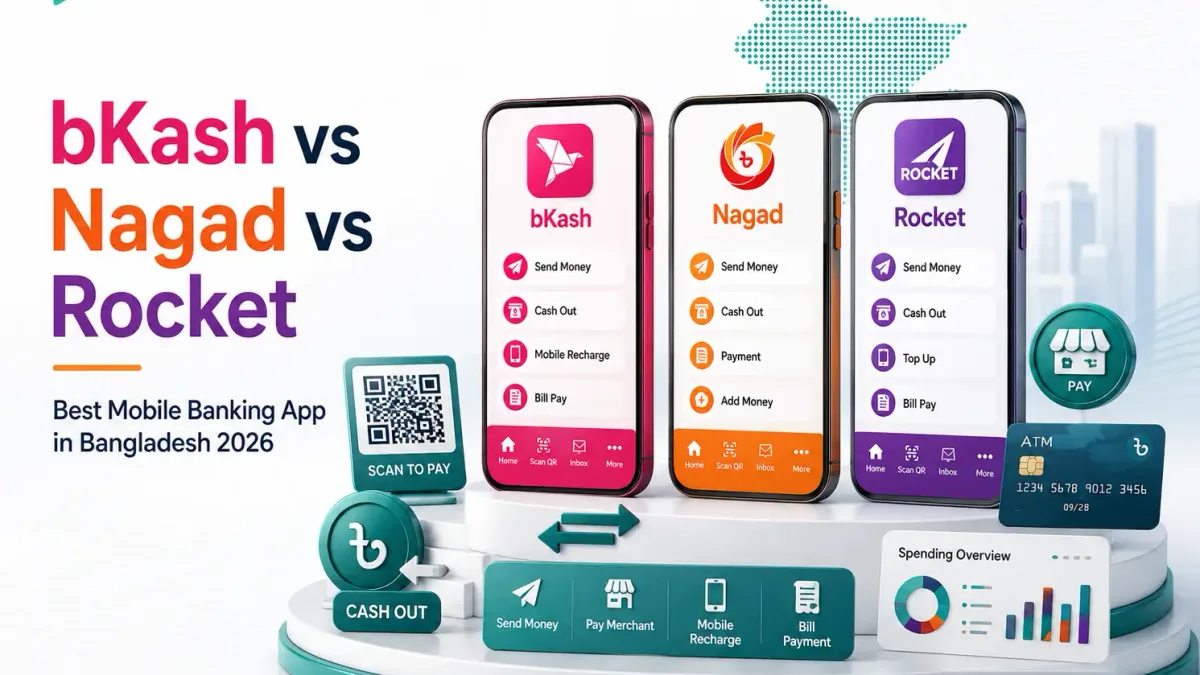
Withdrawing your winnings safely and quickly is the ultimate test of any online gaming platform. For players in Bangladesh, Nagad (নগদ) — the digital postal mobile financial service — has become one of the premier withdrawal channels on 8MBETS due to its low transaction fees, high daily transaction ceilings, and rapid settlement speeds.
Under standard conditions, an 8MBETS cashout to a personal Nagad account processes in 2 to 15 minutes. However, because financial compliance algorithms enforce strict anti-money laundering (AML) controls, players must satisfy specific conditions — such as completing minimum turnover requirements, maintaining single-profile ownership, and adhering to account verification rules — before a withdrawal can be approved.
This comprehensive technical tutorial explains how to request a Nagad cashout from your 8MBETS cashier, outlines current withdrawal limits and turnaround times, explains the mathematics of wagering turnover, and details step-by-step fixes for delayed or rejected payouts.
Quick Reference: 8MBETS Nagad Cashout Specifications
| Specification | Technical Detail |
|---|---|
| Payment Provider | Nagad (বাংলাদেশ ডাক বিভাগের ডিজিটাল লেনদেন 'নগদ') |
| Minimum Withdrawal per Transaction | ৳500 BDT |
| Maximum Withdrawal per Transaction | ৳50,000 BDT |
| Daily Withdrawal Ceiling | ৳250,000 BDT (Up to 5 transactions per 24-hour cycle) |
| Platform Withdrawal Fee | ৳0 (Zero Platform Fee / 100% Free) |
| Average Settlement Speed | 2 to 15 minutes (Standard operational hours) |
| Identity Requirement | Name-Matching: 8MBETS profile name must match Nagad wallet name |
| Standard Turnover Requirement | 1x on raw deposits (No bonus); Specific turnover if bonus is active |
Prerequisites: What to Check Before Requesting a Withdrawal
To prevent automatic rejections or administrative delays, verify these three essential requirements before submitting your cashout order:
1. Turnover Clearance (1x Standard Rule)
In accordance with international anti-money laundering regulations, every raw deposit on 8MBETS must be wagered through at least 1x (100% turnover) before it can be withdrawn. For example:
- If you deposit ৳2,000, you must place a cumulative total of ৳2,000 in settled bets across slots, crash games, or sports before the cashier allows a cashout.
- If you claimed a promotional offer (such as the 100% Welcome Bonus), you must satisfy the entire promotional turnover quota (e.g., 12x deposit + bonus) before your balance unlocks for withdrawal.
2. Wallet Name-Matching Verification
The full legal name on your 8MBETS account profile must match the registered ownership records of your Nagad wallet. Withdrawing to a third-party account — such as a friend's phone, a relative's wallet, or a commercial Nagad agent shop — is strictly prohibited and will result in the immediate cancellation of your request.
3. Active Bonus Lock Status
Check your "Promotion Center" tab. If you have an active bonus that is currently in progress, submitting a withdrawal request may automatically forfeit the remaining bonus balance and any accumulated bonus winnings. Always complete or cancel the promotion before initiating a withdrawal.
Step-by-Step: How to Withdraw Winnings to Nagad on 8MBETS
Step 1: Access the Cashier Withdrawal Tab
- Log into your verified 8MBETS account on your smartphone or desktop browser.
- Tap your profile avatar or the "User Center" icon in the upper navigation bar.
- Select "Withdraw" (টাকা উত্তোলন / ক্যাশআউট) from the account menu.
Step 2: Bind Your Personal Nagad Wallet (First-Time Only)
If this is your first withdrawal:
- Tap "Add Bank / E-Wallet".
- Select "Nagad" (নগদ) from the list of supported providers.
- Enter your active 11-digit personal Nagad mobile number (e.g.,
018XXXXXXXX). - Enter the account holder's full legal name.
- Tap "Bind Account". This wallet address will be securely saved to your profile for one-tap future cashouts.
Step 3: Enter Your Cashout Amount
- Select your bound Nagad wallet from the destination list.
- Input the amount of Bangladeshi Taka you wish to withdraw (minimum ৳500, maximum ৳50,000 per single request).
- Ensure your "Withdrawable Balance" (উত্তোলনযোগ্য ব্যালেন্স) is sufficient to cover the requested sum.
Step 4: Submit & Confirm Your Security Code
- Enter your 6-digit Transaction Password (or SMS verification OTP if prompted).
- Review the transaction summary: confirm that the destination phone number and the BDT amount are correct.
- Tap "Submit Withdrawal" (উত্তোলন নিশ্চিত করুন).
Step 5: Receive Instant Funds in Your Nagad Account
Your withdrawal request enters the automated payment queue. In over 90% of cases, the funds are dispatched within 2 to 5 minutes. You will receive an official SMS notification directly from Nagad (Nagad) with your transaction details and updated account balance.
Troubleshooting Common Nagad Withdrawal Delays & Errors
If your cashout request remains marked as "Pending" or is returned to your gaming balance, refer to this troubleshooting diagnostic matrix:
| Error / Symptom | Root Cause | Practical Resolution |
|---|---|---|
| "Turnover Not Met / Insufficient Turnover" | You attempted to withdraw before wagering your deposit amount at least 1x, or an active bonus is incomplete. | Go to User Center > Turnover Record to view remaining wagering volume needed. Place additional bets to clear the requirement. |
| "Name Mismatch (Error 302)" | The name registered on your 8MBETS profile does not match the national identity records of your Nagad SIM card. | Update your profile information or contact 24/7 Live Chat with your National ID card to verify legal ownership of both accounts. |
| "Request Pending > 30 Minutes" | Network congestion during major sports events (BPL finals, IPL matches) or high volume batch processing. | Check your 8MBETS message center. If no security document is requested, the payment will clear within the standard banking queue. |
| "Exceeded Daily Limit" | You have reached the maximum threshold of ৳250,000 or submitted more than 5 withdrawal requests in a 24-hour cycle. | Wait until 00:00 BST for your daily transaction quota to reset, or split high-roller balances across consecutive days. |
| "Account Requires Verification" | First large withdrawal flagged for routine KYC compliance audit. | Upload a clear photo of your National ID (NID) and a screenshot of your Nagad app profile through the secure document upload portal. |
Security Advice: Protecting Your Nagad Cashouts
When managing gaming winnings via digital mobile wallets in Bangladesh, observe the following safety guidelines:
- NEVER Reveal Your Nagad PIN: The 8MBETS cashier only requires your 11-digit mobile phone number to send your payout. No genuine casino representative will ever ask for your 4-digit secret Nagad PIN.
- Beware of Third-Party "Speed-Up" Scams: Fraudulent individuals on Facebook groups or Telegram frequently claim they can "unfreeze" or "speed up" 8MBETS withdrawals for an upfront fee. These are phishing scams. Only communicate through official 8MBETS live chat.
- Regularly Check Transaction Statements: Regularly verify your transaction logs inside the official Nagad mobile application to ensure all incoming credits correspond to your settled 8MBETS cashout orders.
Frequently Asked Questions About 8MBETS Nagad Withdrawals
What is the minimum withdrawal amount to Nagad on 8MBETS?
The minimum cashout amount is ৳500 BDT. Any withdrawal request below this amount will be rejected automatically by the cashier system.
How fast does 8MBETS process Nagad payouts?
Under ordinary circumstances, Nagad cashouts are approved and transferred within 2 to 15 minutes. During peak evening hours or major cricket fixtures, processing may take up to 30 minutes.
Does 8MBETS charge any fee for withdrawing to Nagad?
No. 8MBETS charges zero fees (0%) on all withdrawals. Standard Nagad merchant cash-out charges (e.g., standard app cash-out rates at agent points) apply only when you convert your Nagad mobile balance into physical cash at a local retailer.
Can I withdraw my winnings to someone else's Nagad account?
No. To prevent financial fraud and unauthorized account draining, 8MBETS strictly enforces a single-owner policy. Withdrawals must be sent to a personal Nagad account registered under your own legal name.
What should I do if my withdrawal fails and funds are returned to my balance?
Navigate to your Transaction History to read the specific rejection reason (e.g., incomplete turnover, incorrect phone number). Once you rectify the issue, you can resubmit the withdrawal request immediately.
Next Steps: Financial Management on 8MBETS
Learn more about managing your transactions and promotional rewards on 8MBETS:
- 8MBETS bKash Deposit Walkthrough — How to fund your balance in minutes using bKash.
- 100% Welcome Bonus & Turnover Rules — Calculate your exact wagering turnover before claiming promotions.
- 8MBETS Mobile APK Download Guide — Request instant withdrawals on the go via the Android app.
- 8MBETS Account Login & Security Setup — Protect your funds with two-factor authentication.
Ready to Experience 8MBETS Bangladesh?
Open your account today to access instant mobile banking with bKash and Nagad, certified games, and claim your 100% First Deposit Match up to ৳5,000.
আজই আপনার অ্যাকাউন্ট খুলুন এবং বিকাশ ও নগদে দ্রুত পেমেন্ট সহ ৳৫,০০০ পর্যন্ত ১০০% ওয়েলকাম বোনাস গ্রহণ করুন।
Join 8MBETS Now →Frequently Asked Questions
The minimum cashout amount is ৳500 BDT. Any withdrawal request below this amount will be rejected automatically by the cashier system.
Under ordinary circumstances, Nagad cashouts are approved and transferred within 2 to 15 minutes. During peak evening hours or major cricket fixtures, processing may take up to 30 minutes.
No. 8MBETS charges zero fees (0%) on all withdrawals. Standard Nagad merchant cash-out charges (e.g., standard app cash-out rates at agent points) apply only when you convert your Nagad mobile balance into physical cash at a local retailer.
No. To prevent financial fraud and unauthorized account draining, 8MBETS strictly enforces a single-owner policy. Withdrawals must be sent to a personal Nagad account registered under your own legal name.
Navigate to your Transaction History to read the specific rejection reason (e.g., incomplete turnover, incorrect phone number). Once you rectify the issue, you can resubmit the withdrawal request immediately. ---
Navigate to your Transaction History to read the specific rejection reason (e.g., incomplete turnover, incorrect phone number). Once you rectify the issue, you can resubmit the withdrawal request immediately. ---